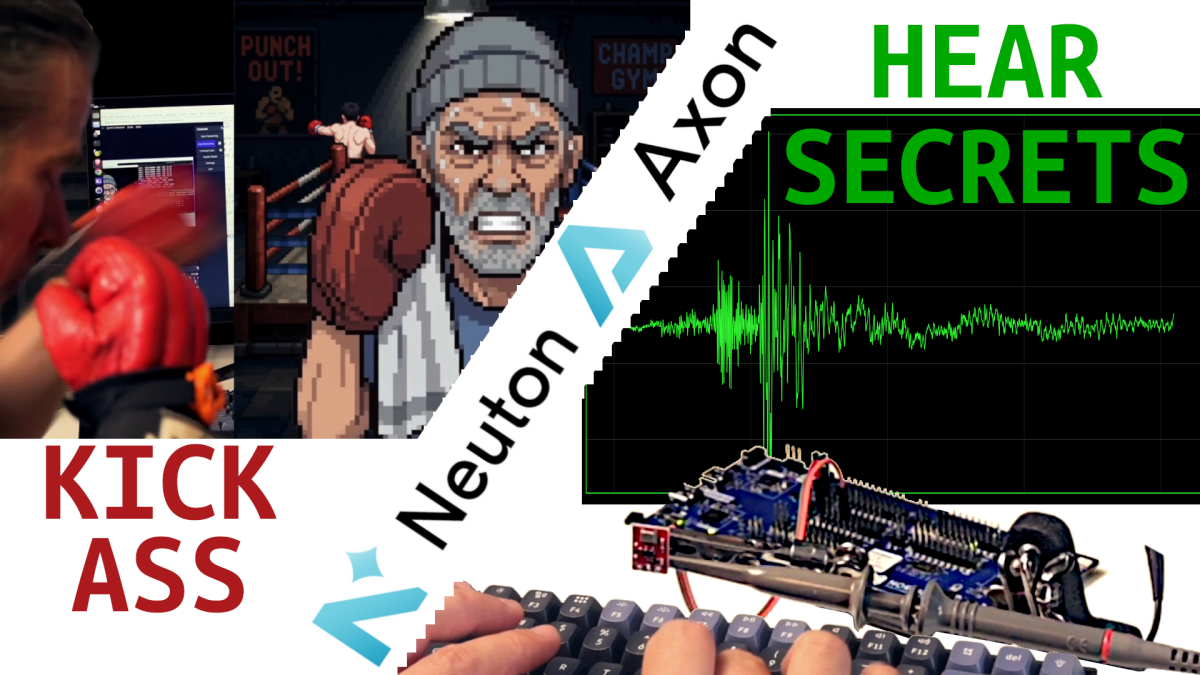
Running inference on-device is nothing new. Training the model that gets deployed there — without a data science team, or a complicated pipeline — is the part that’s usually been out of reach for embedded engineers. Nordic’s Edge AI Lab is a no-code platform that closes the gap: feed it labeled sensor data, and it handles feature extraction, architecture search, and training, then hands back C code you drop straight into a Zephyr project for on-chip inference, and it produces networks with tiny footprints and that run on very little power (we’re talking micro Joules per inference).
Two projects were built to test the workflow: an acoustic keystroke classifier that identifies which key was pressed from microphone audio alone (something of a stress test for the chip and training system, owing to the relatively large amounts of data being processed) and a real-time boxing-punch classifier running on coin-cell-powered BLE tags. Same tooling, same overall pipeline, wildly different sensors and hardware. Both ended up as weekend-scale projects rather than fat headaches.
You can both projects in action, along with the full breakdown, in the video here
Axon vs. Neuton: the two backends
The lab offers two training paths:
- Axon — runs on a hardware NPU (the Axon NPU on newer Nordic chips). Needed when there’s a lot of data to chew through fast, such as high-rate audio, or when a convolutional architecture is called for.
- Neuton — runs on the CPU, works on essentially any chip (including older ones like the nRF52), and is cheaper. It handled a surprisingly large workload in testing.
The rule of thumb that came out of the two projects: default to Neuton for the wider chip support and lower cost, and only move to Axon/NPU if the CPU-based approach can’t keep up. Once a training set exists, comparing the two is trivial, so there’s little reason not to check.
Beyond classification, the lab also offers regression, and wake-word/keyword spotting models that can be generated from text alone, with no recorded training data required (I haven’t checked any of that out, as of yet).
Project 1: Listening to keystrokes
The goal was to distinguish which key was pressed on my mechanical keyboard purely from the sound picked up by a basic analog microphone, running entirely on-chip with no cloud or PC involved.
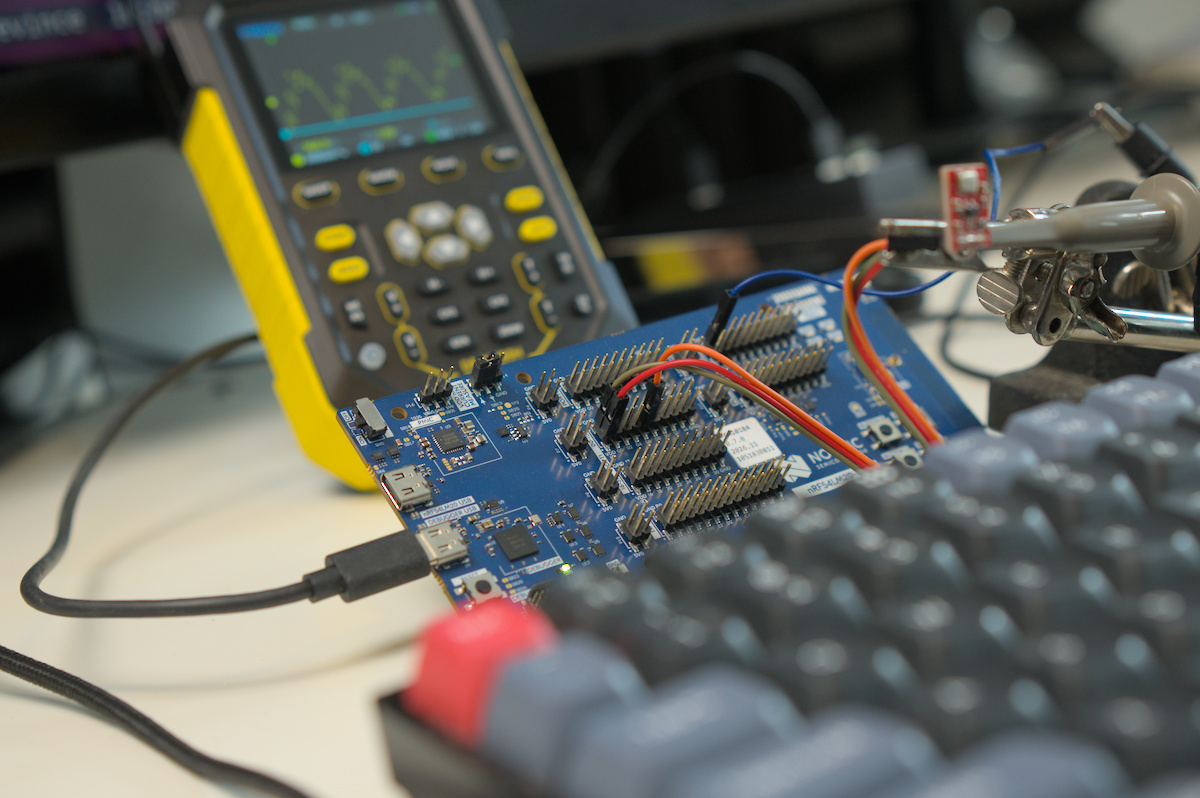
Sampling. Keystroke audio differences are packed into short, high-frequency bursts, so I thought anything below CD quality might risk losing information (spoiler, would probably have been ok with 16kHz sampling–but I wanted to stress test this thing, so all good). The ADC was driven directly via low-level NRFx calls at roughly 44.1kHz, 12-bit resolution, fast enough that it required both the Axon NPU to keep up with inference and a reasonably fast ADC configuration to capture clean audio.
Collecting labeled data. Rather than recording each key in isolation, real sentences and words were typed so the data would reflect natural typing patterns (adjacent keys are correlated, typing “T” changes the odds and hand position for “H”, for example).
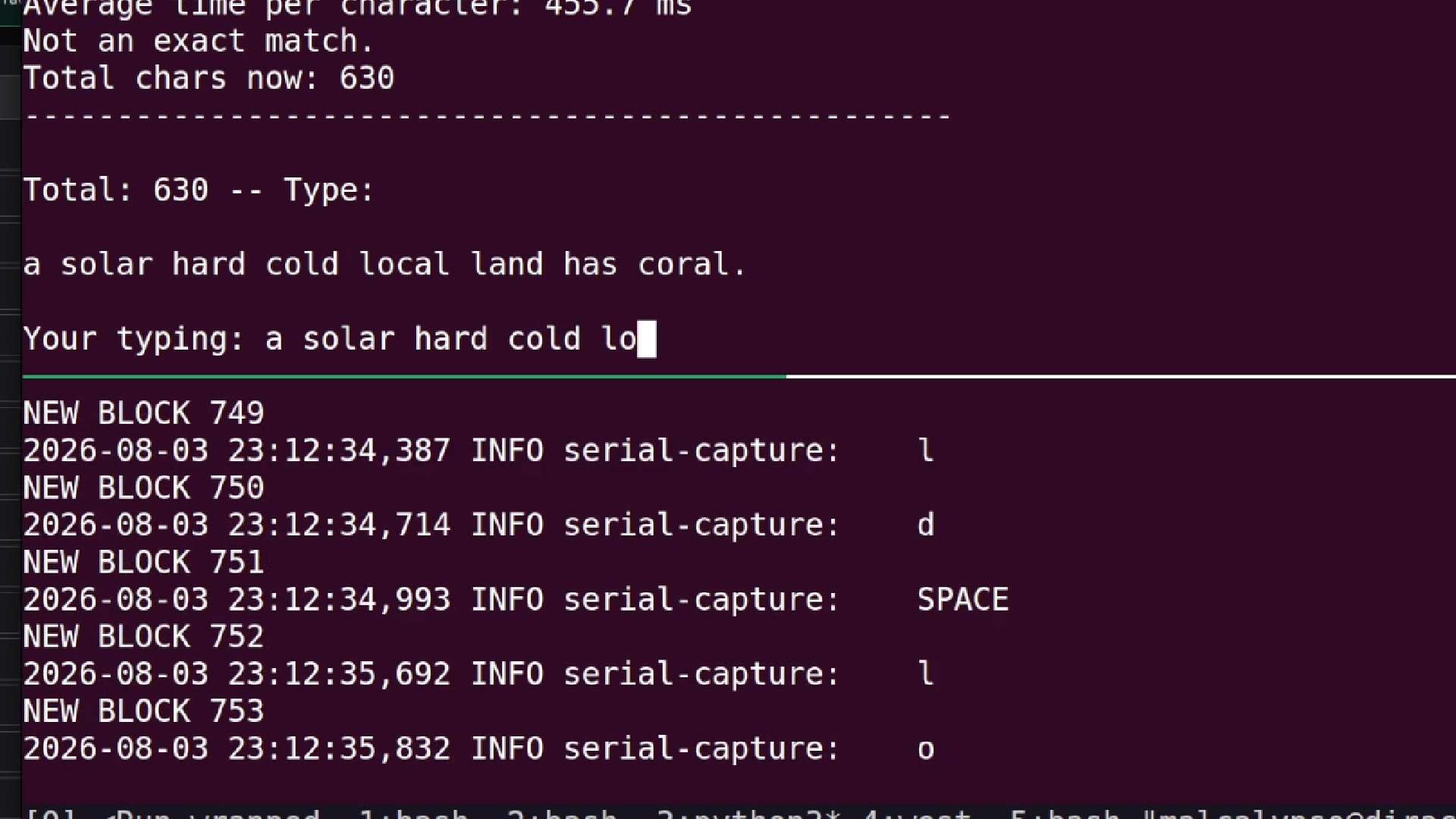
A custom pipeline handled this:
- An embedded program streamed raw ADC samples over serial (bumped to 1 Mbaud), prefixed with a
DEADBEEFsync word so a listener could reliably find block boundaries in the byte stream. - A Python script using
pynputwatched real keypress events in the background and used them to slice and label individual samples from the stream, capturing a bit of lead-in and tail audio around each keystroke. - Letter frequency imbalance (lots of “e” and space, very little “c”) was corrected by writing extra sentences that deliberately hit underrepresented letters.
- Custom visualization tools, a multi-file plotter and a standalone HTML viewer, were built to sanity-check samples before committing to a full data collection pass.
The costly mistake. The first pass captured variable-length events and did burst detection/normalization afterward, in Python, to force samples to a fixed size.
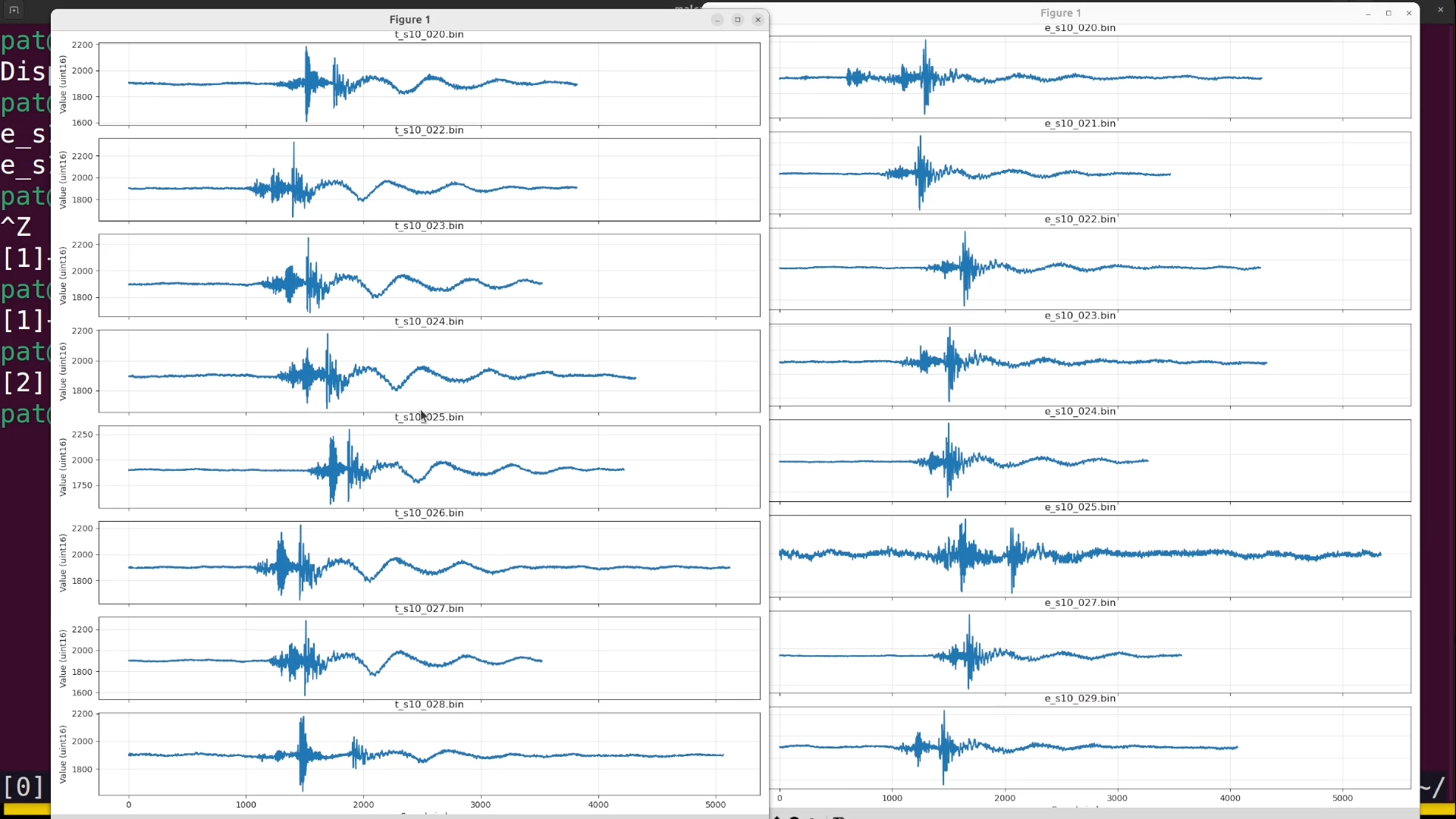
This produced a mismatch: the exact chopping logic used to prepare training data didn’t precisely match the burst detection running on the MCU at inference time, and results suffered. The fix was to move burst detection onto the MCU first, so training samples were captured as the literal same blocks the chip would later feed to the model in real time, fixed at 2048 samples (~46ms), a power-of-two size chosen specifically to unlock FFT-based frequency features in the lab’s preprocessing.
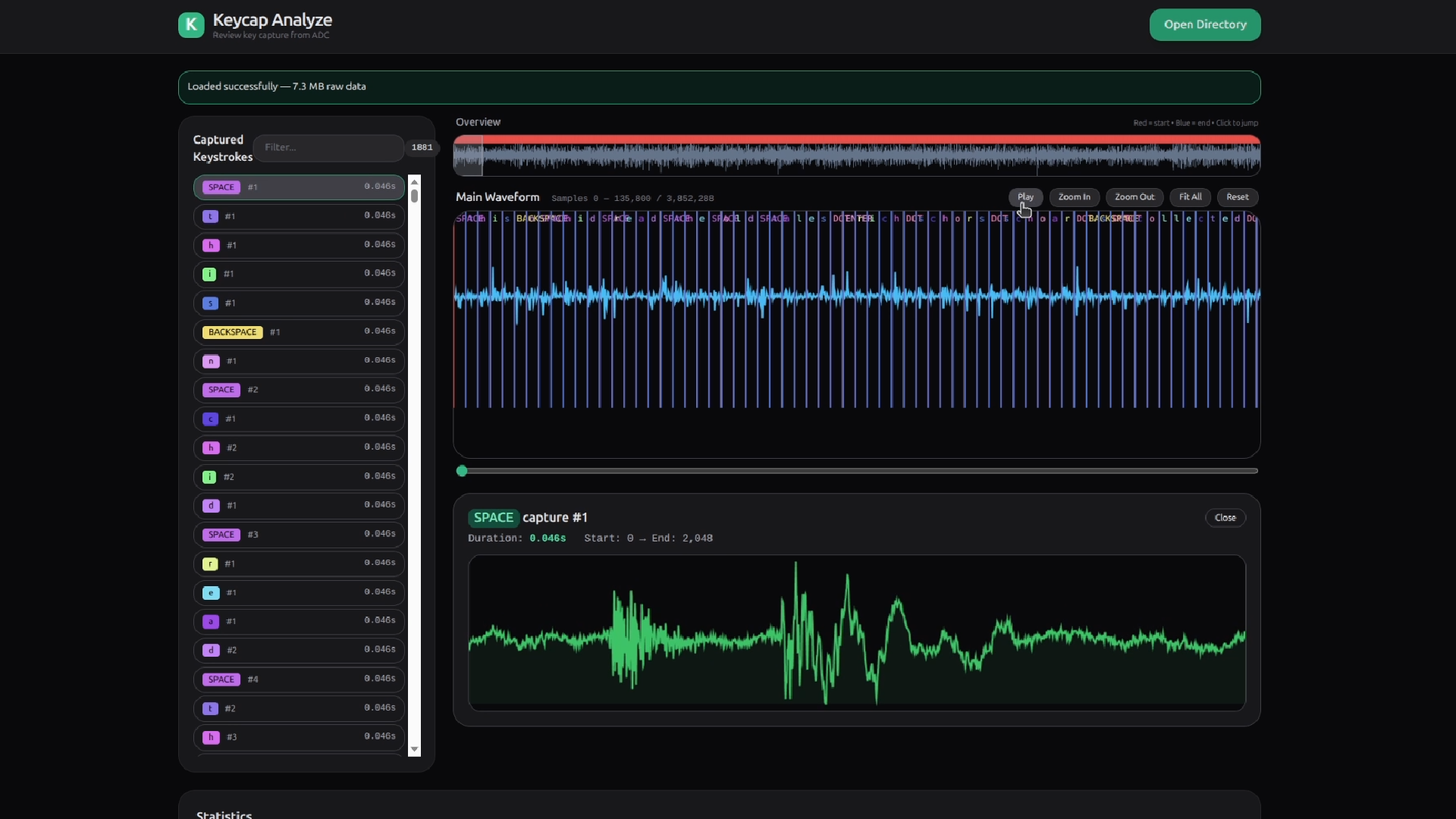
This, along with ensuring you have good tooling to inspect and evaluate the data you are collecting, is the single biggest lesson from the whole project: get the on-device signal pipeline (sensor config, filtering, burst detection) finalized before collecting a serious training set, because retraining is cheap but redoing the whole pipeline and recollecting data is not.
An idle/noise category was also included, since a classifier will always force an input into one of its known classes — having a “junk” bucket keeps random noise from being misattributed with high confidence.
Getting data into the lab. Samples are uploaded as CSV (optionally zipped, with the zip and CSV sharing a filename), one row per sample, with a label column and an optional session ID column. 32-bit float input was used to preserve the full 12-bit ADC range — worth noting that the model then expects float input on-device too; feeding it raw uint16 values without conversion produces garbage, a mistake that cost some debugging time.
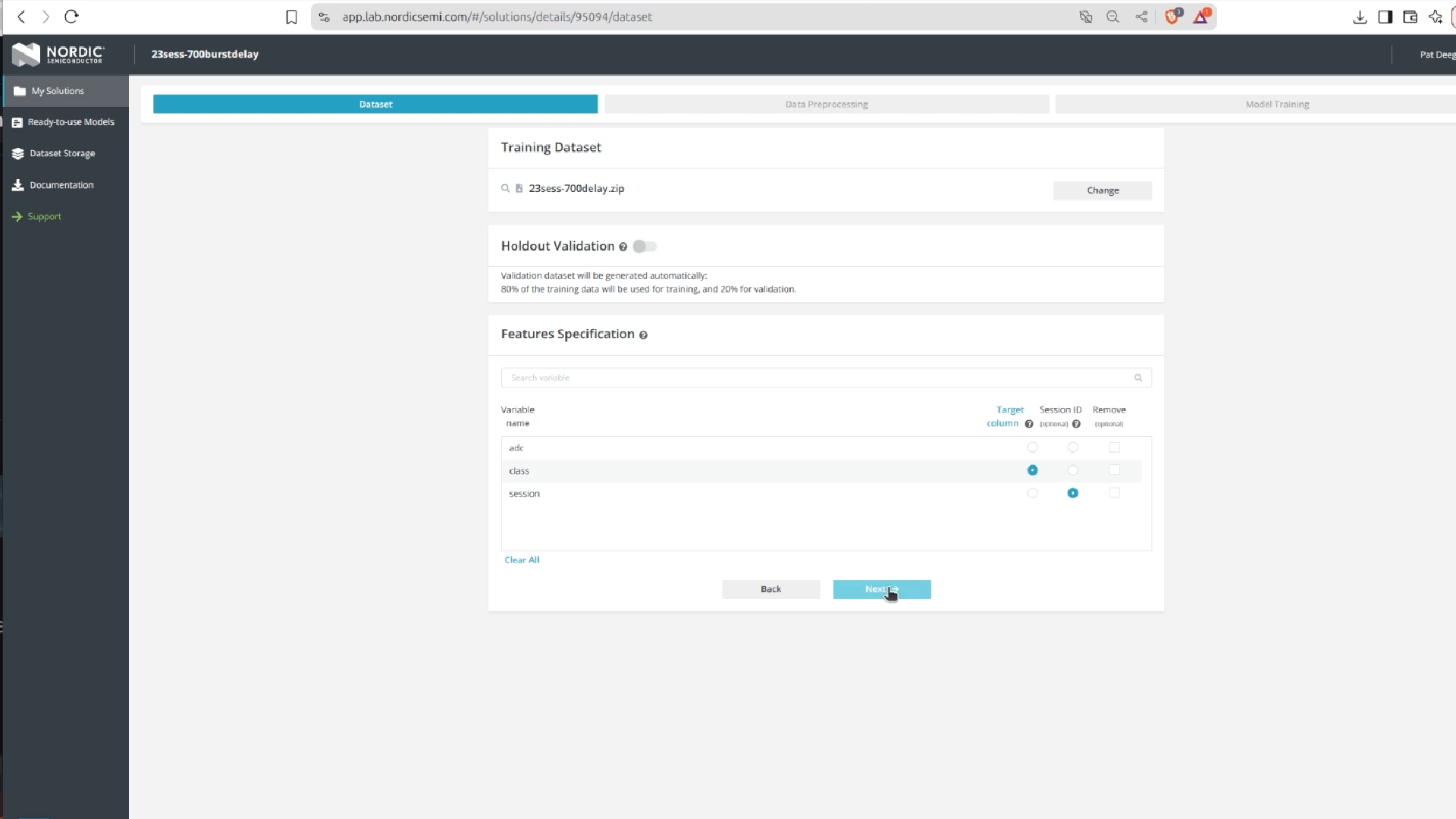
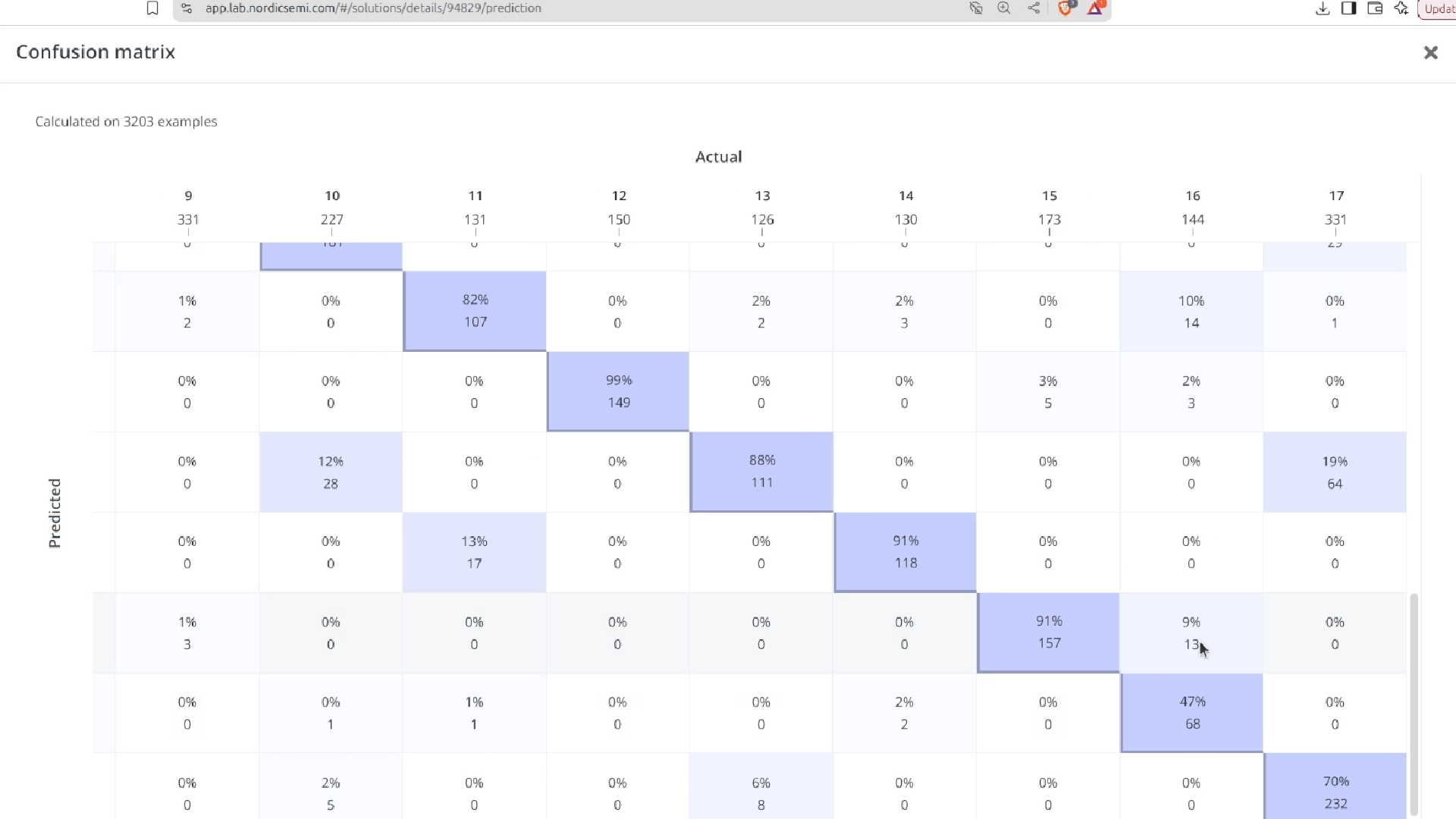
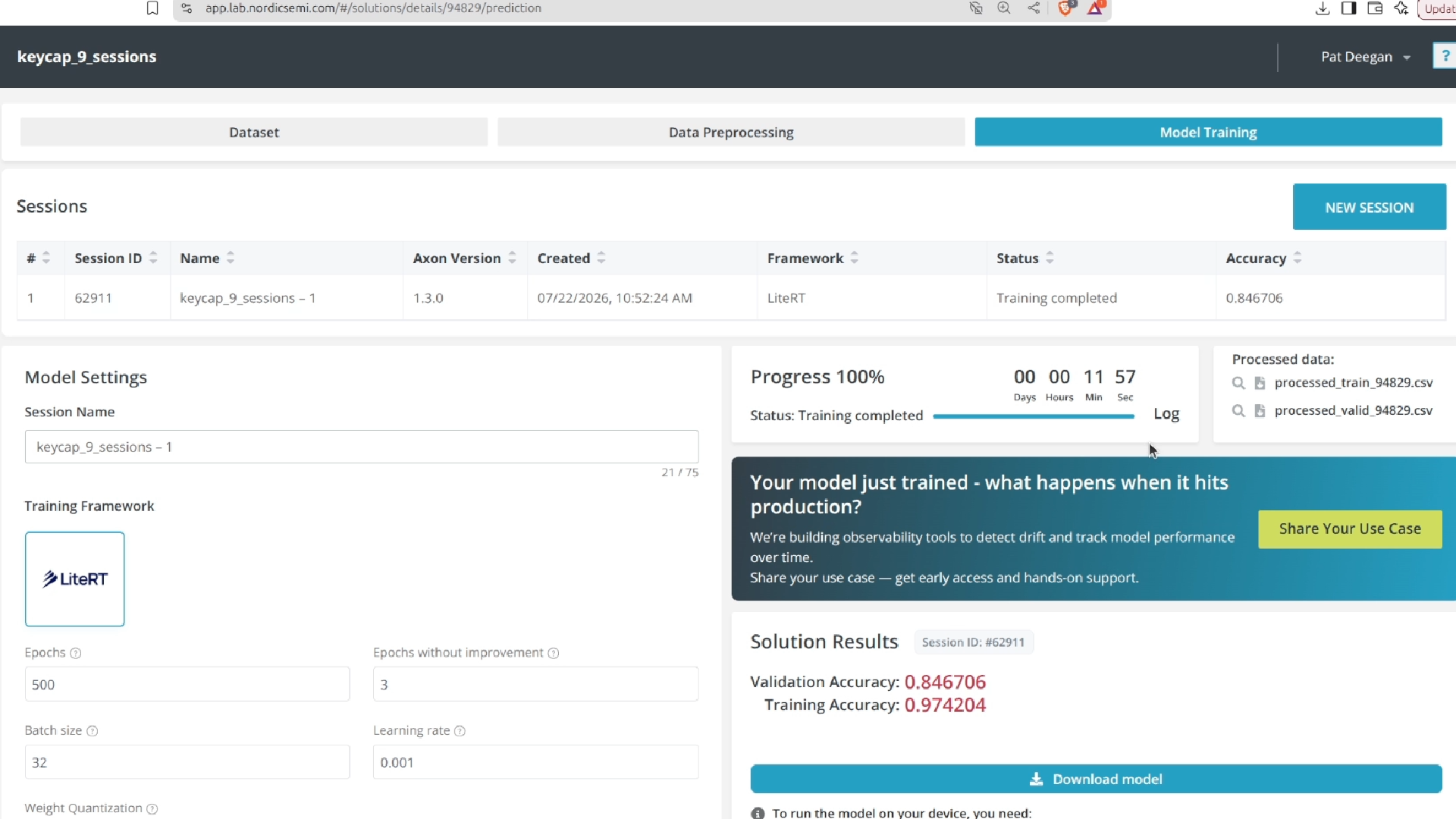
Results. A confusion matrix flagged which letters needed more training examples, and a training/validation accuracy gap flagged overfitting, which more data resolved.
Fully-connected architectures worked; attempts at convolutional architectures for the audio data never converged to a usable model, and the platform gave no diagnostic detail to debug why.
The final model runs inference in about 7ms per event with generally high confidence on trained letters and low confidence on untrained ones — a solid result, though not every letter is caught.
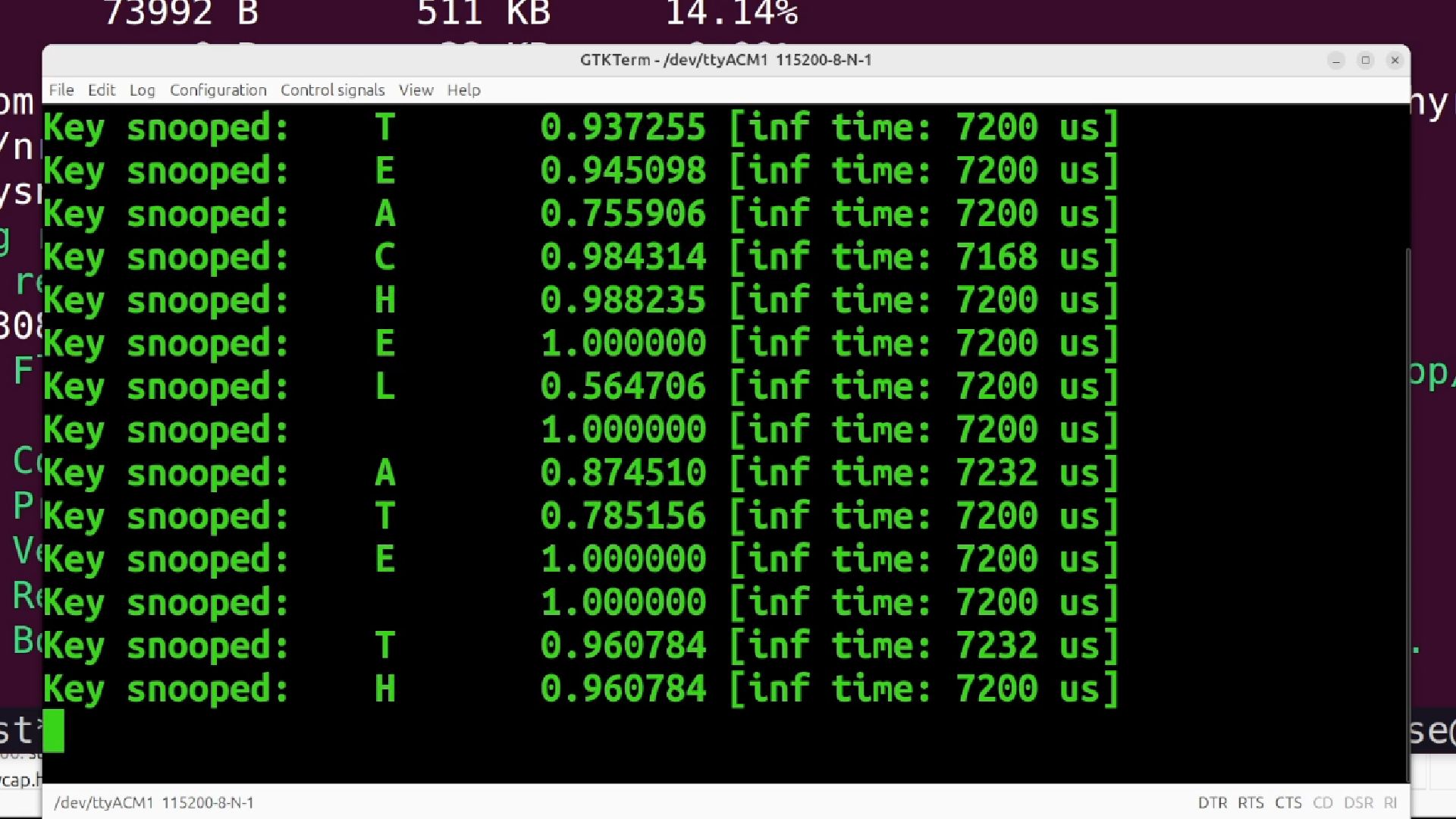
It’s keyboard-specific enough that it isn’t a generalizable eavesdropping tool as-is, but it’s a clear proof of concept for on-device acoustic diagnostics more broadly (predictive maintenance, machine monitoring, anywhere sound carries a signal you don’t want to ship off-device).
Project 2: A wireless boxing trainer
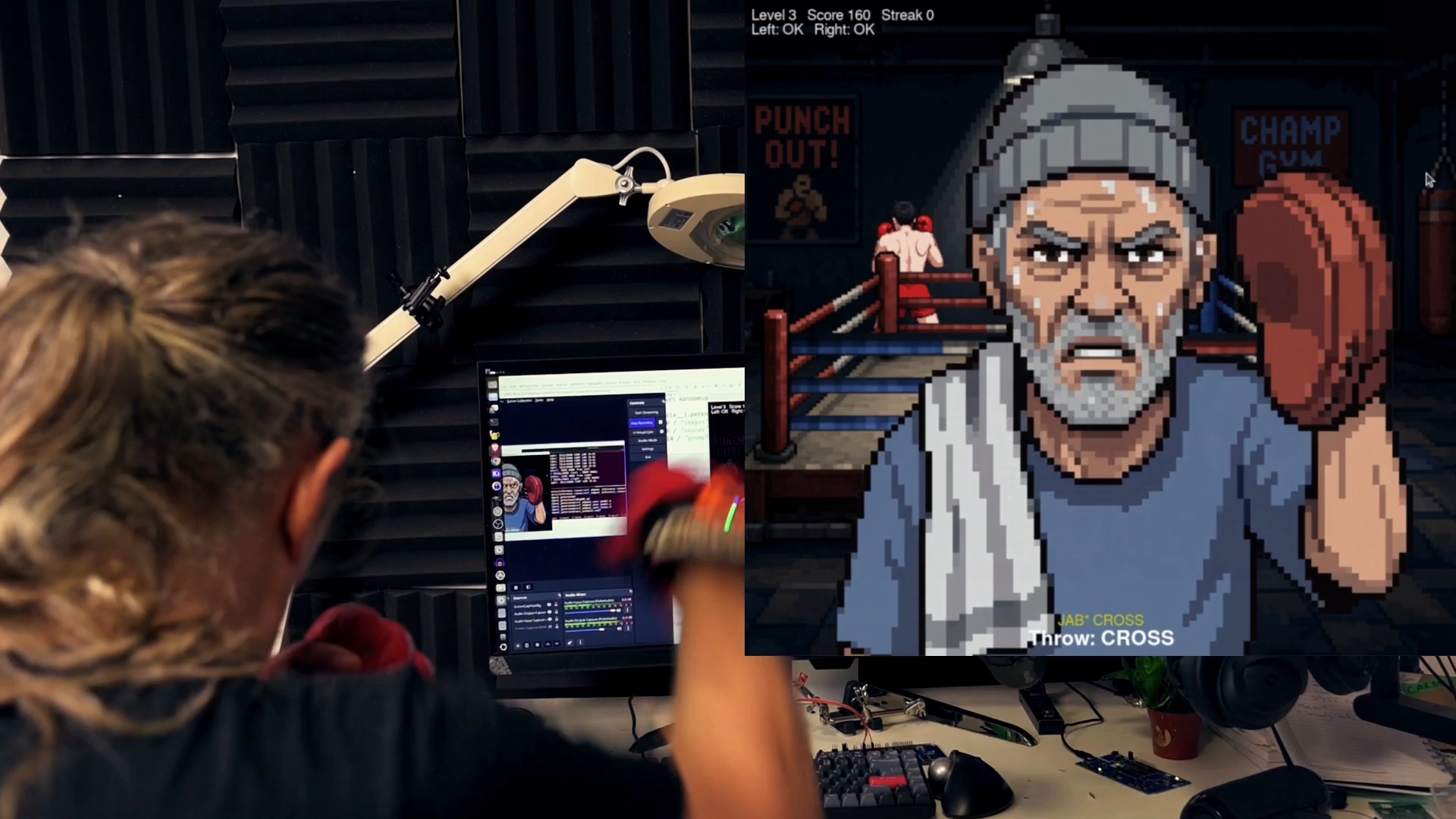
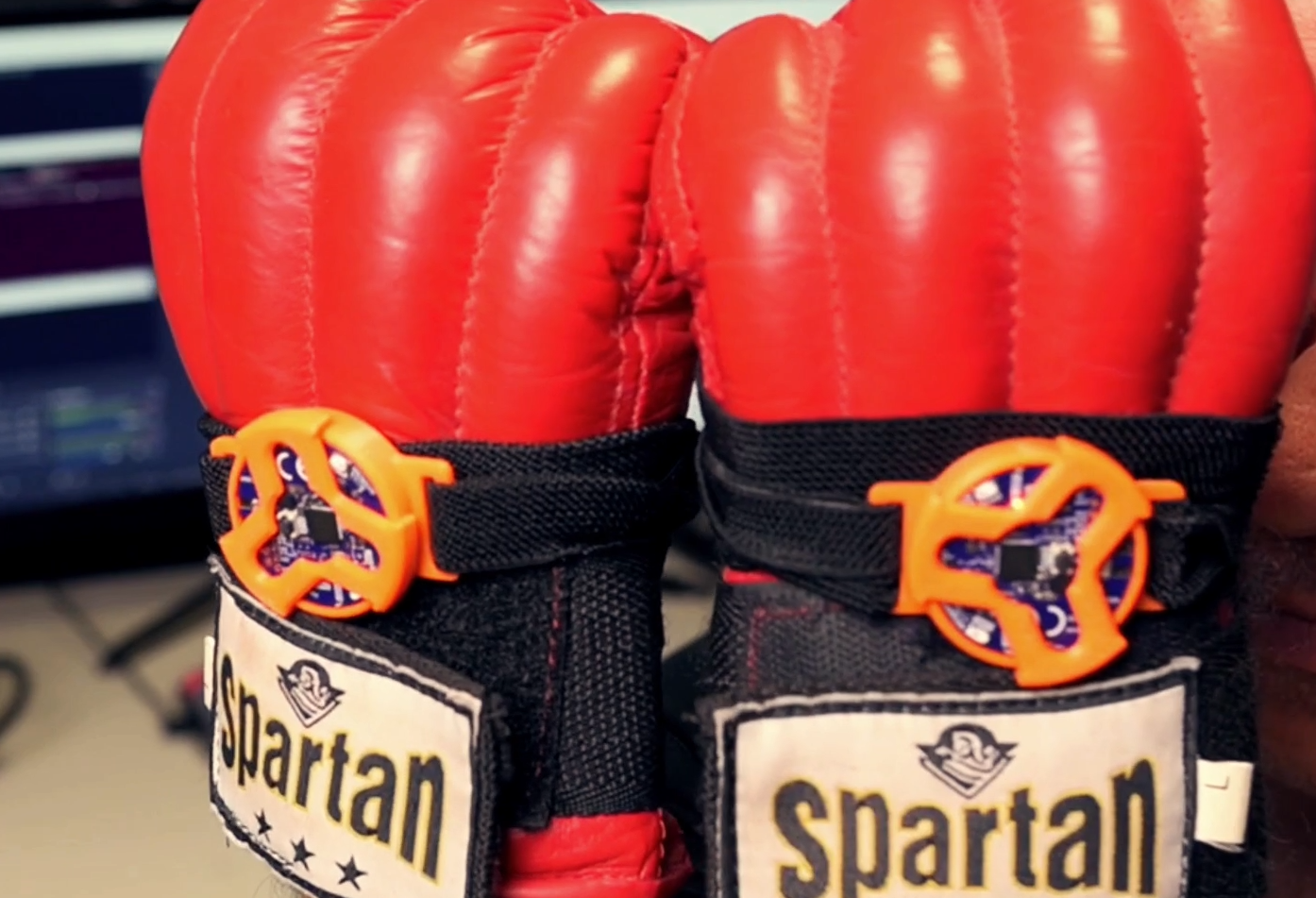
The second project classifies punches (5 punch types, 2 guard positions, idle) in real time from accelerometer/gyroscope data on nRF54L15 tags, mounted on boxing gloves via a 3D-printed bracket, streaming over BLE.
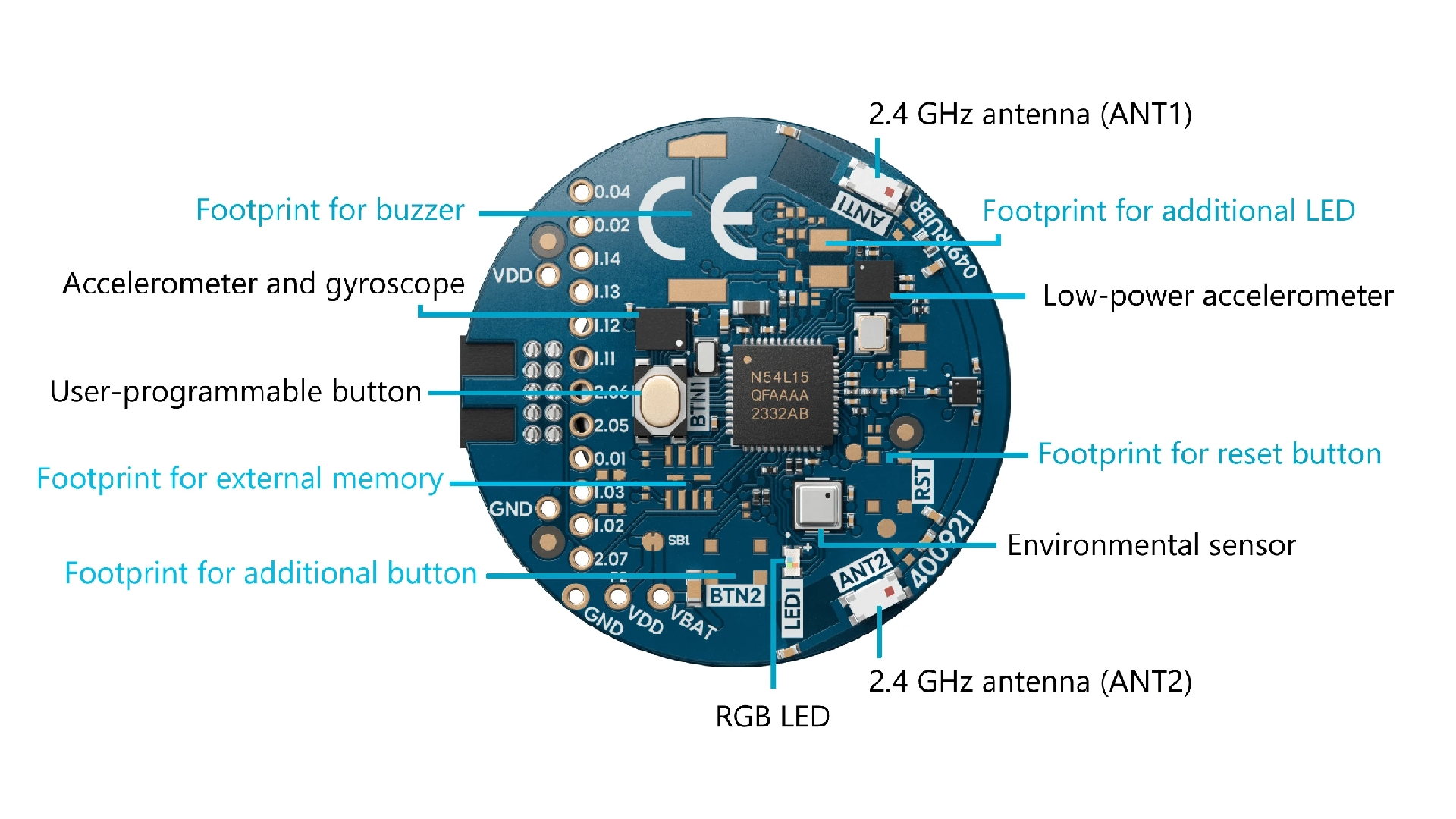
The tags are cool little devices, perfect for the application.
The little tag holders and brackets I made might be useful, so you can download and 3D print them.
Data collection. The lesson from the keystroke project was applied from the start: burst detection ran on-device from day one, based on accelerometer/gyroscope magnitude thresholds tuned experimentally. Settings landed on 512Hz sampling with 256-sample blocks (each sample = 3 accel + 3 gyro values, 2 bytes each) pushing Neuton harder than expected, but it handled the load well. Tuning the burst “rearm” delay was the trickiest part: too short and hand-return jiggle triggers false events; too long and quick combos get missed. A one-second rearm time was the eventual compromise, likely still a bit conservative.
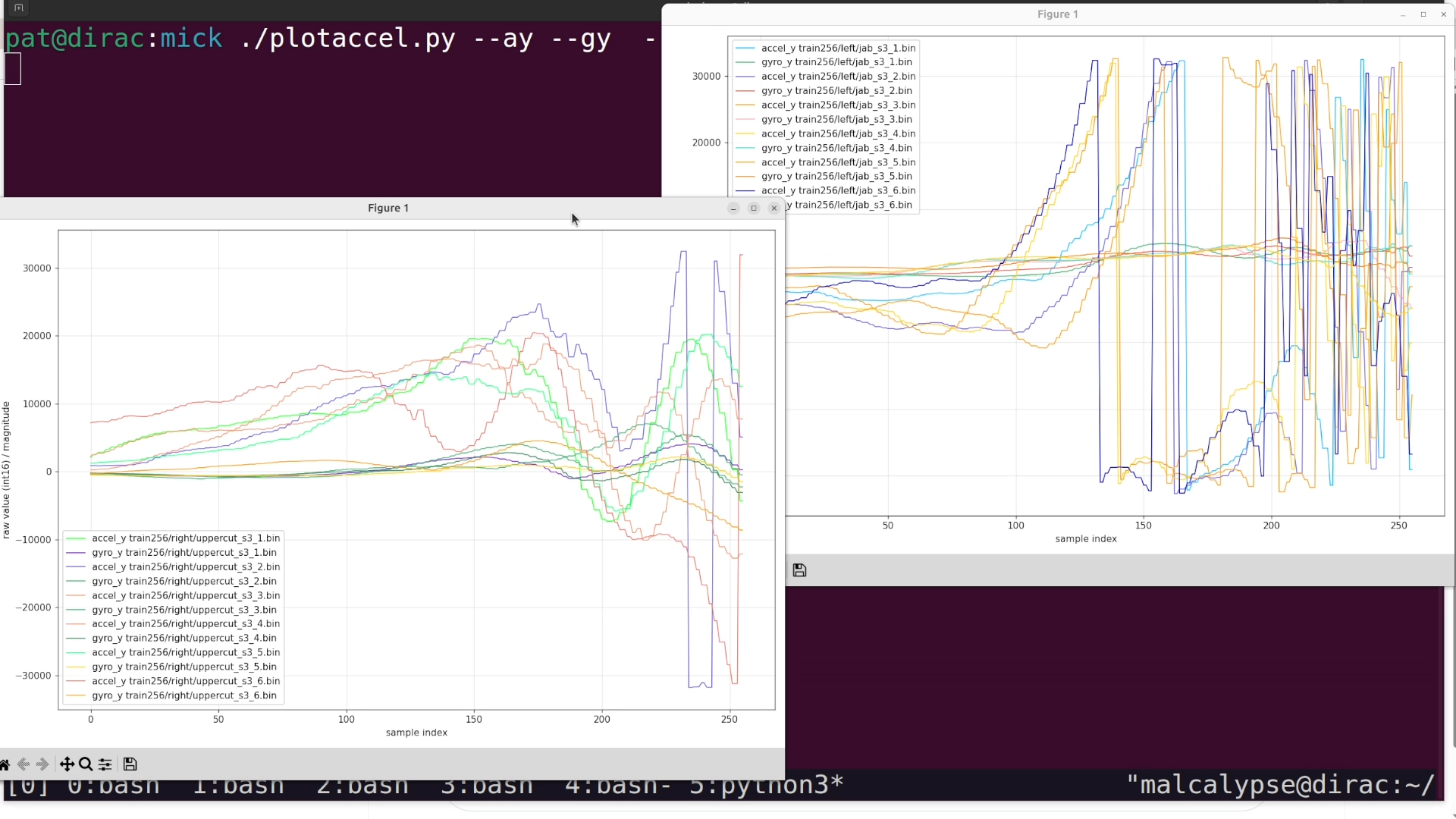
Because the code needed to run wirelessly, the setup used Nordic’s gesture_recognition sample as a base, over the Nordic UART Service (NUS) extended to handle larger BLE data bursts, and required installing the sdk-edge-ai Zephyr add-on. Separate raw-streaming and on-device-inference modes were built into the firmware via config flags.
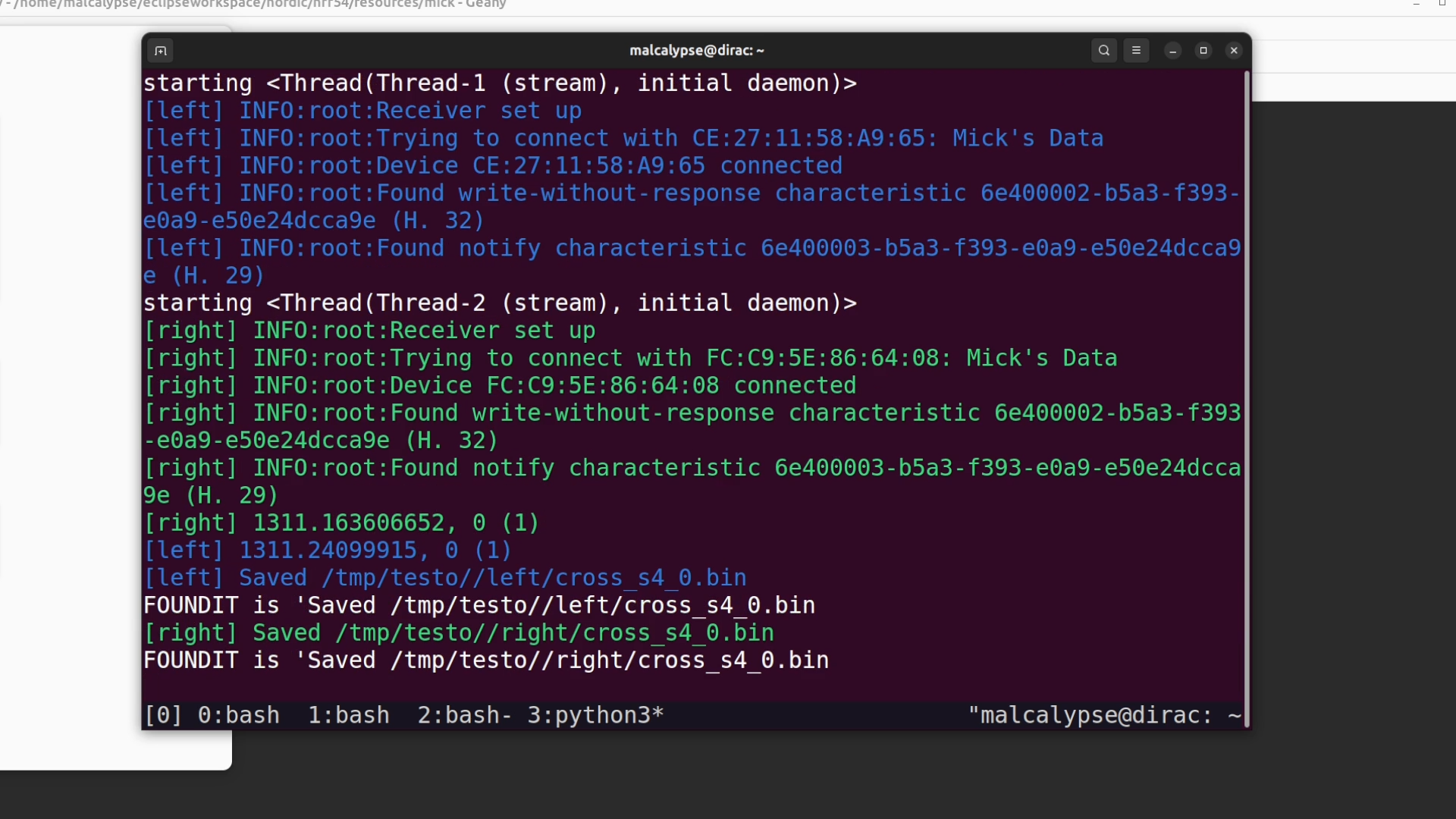
Data was collected per-hand (jabs/crosses per the throwing hand) with occasional cross-hand punches simply detected and dropped rather than trained on, since they were rare enough not to matter — and the same trained model runs on both hands without confusion. Non-punch states (idle, guard, low guard) were sampled by streaming periodic blocks rather than burst-triggered ones.
Training and results. Fully connected Neuton models trained quickly and kept improving with more data — accuracy exceeded 90% with as few as 4 sessions (40 examples per category) and improved substantially beyond that.
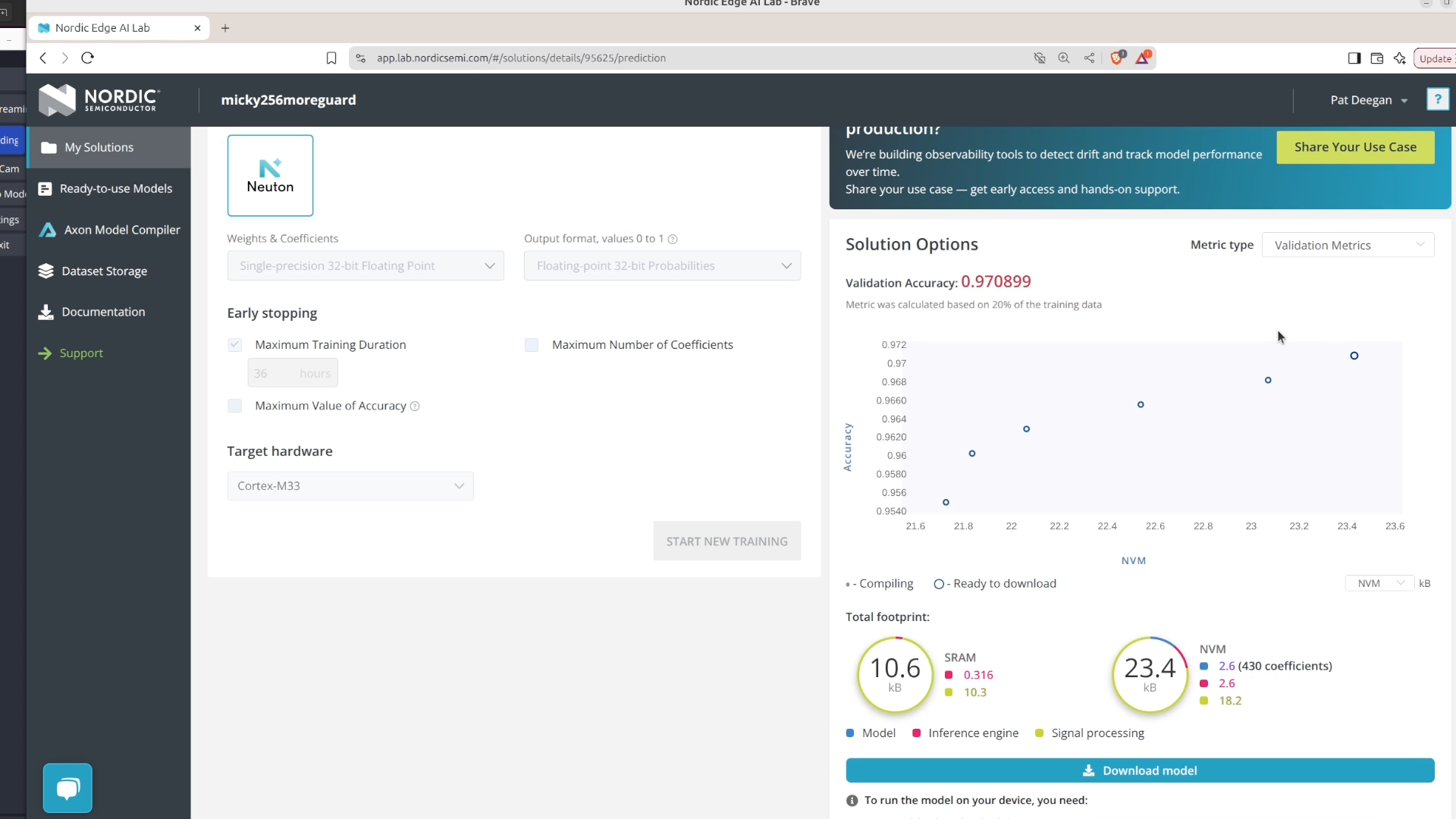
The important-features view showed gyro and accel Y as the most influential inputs.
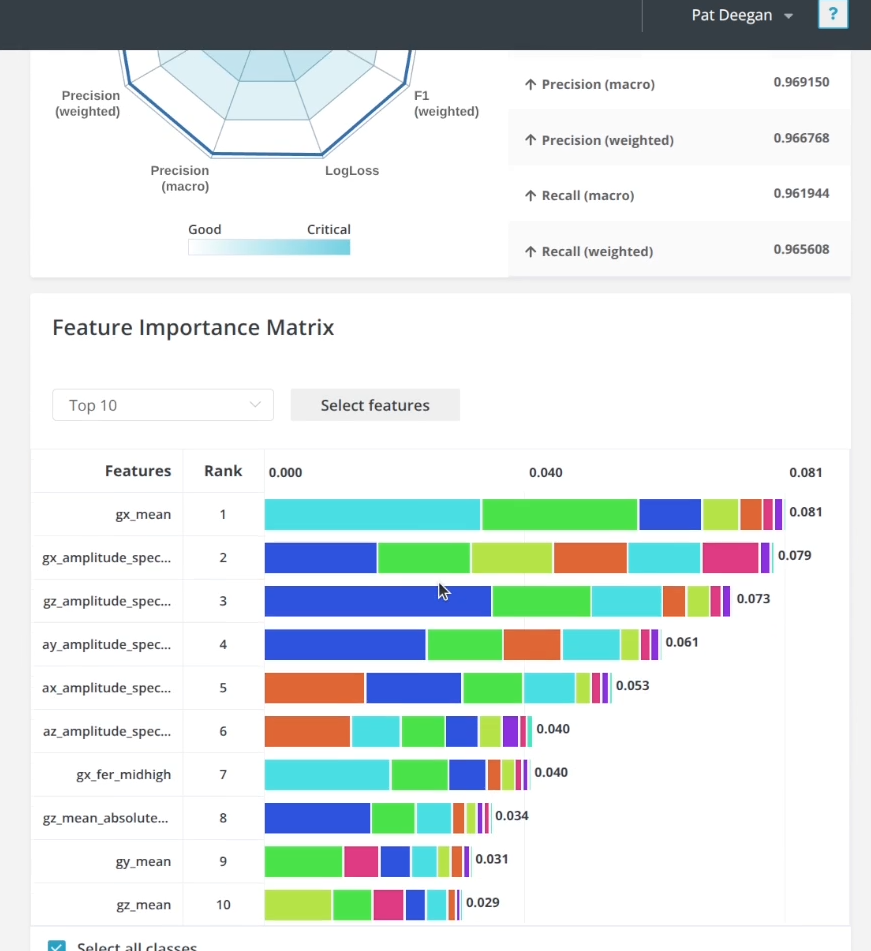
The final model uses roughly 10KB of RAM and 200–450 coefficients, runs inference in about 10ms (processing 3000+ bytes per burst) on the CPU alone, only a tad slower than the NPU-accelerated audio model, and delivers strong validation accuracy.
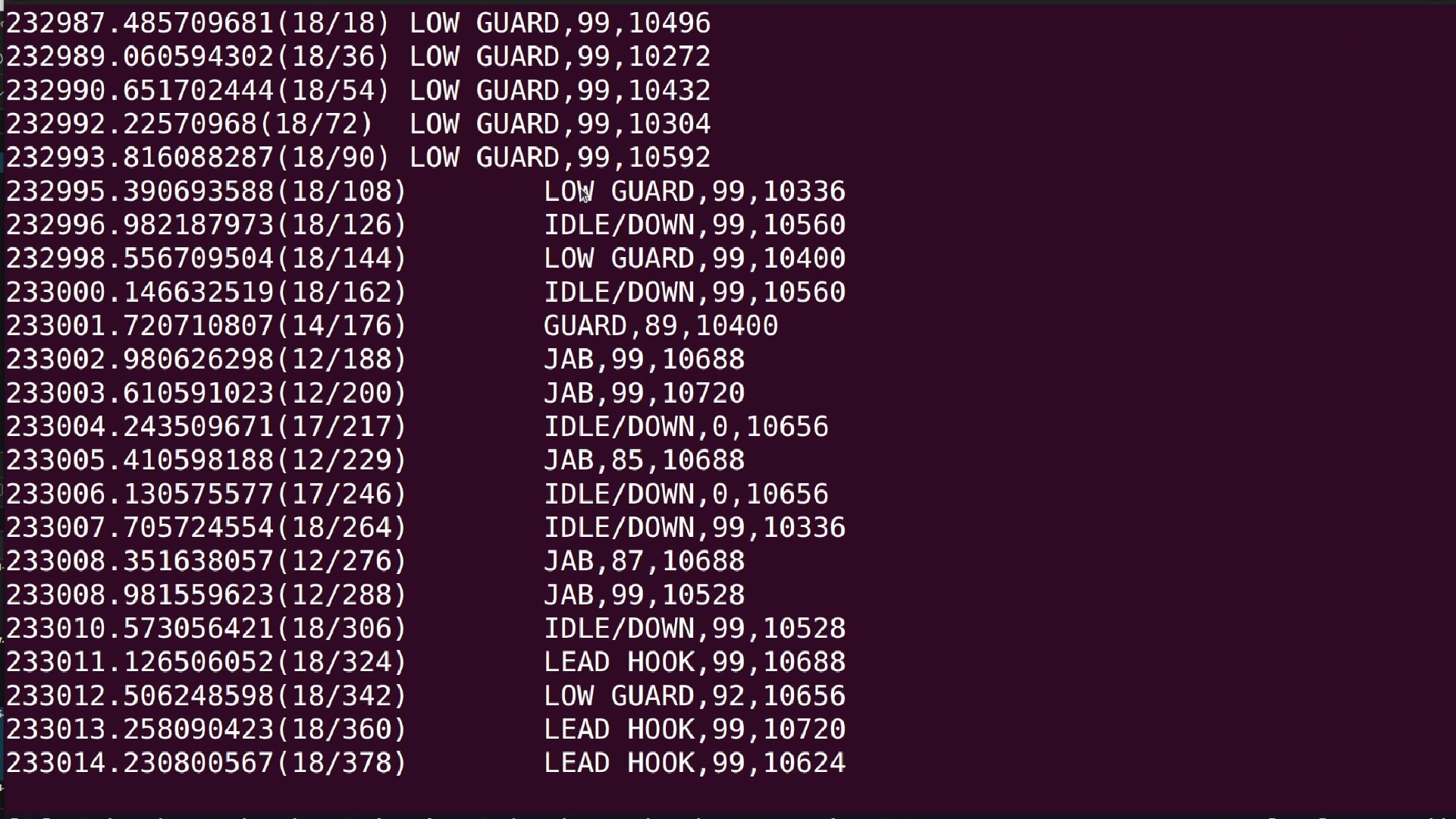
A pygame-based training app (complete with a scripted, deliberately grumpy virtual coach) was built on top to turn the raw classifier output into an actual usable interface, prompting combos and tracking streaks. Notably, more development time went into the game than into getting the model itself working, a good sign for how far the training pipeline has matured.
Practical takeaways
- Garbage in, garbage out is the whole game. Both projects confirm that time spent on data collection quality dominates everything else; fixing bad data after the fact (rather than collecting it correctly) is a losing strategy.
- Match training data to real inference exactly. Any signal processing (burst detection, filtering, windowing…) should run on the target hardware and produce identical blocks during both data collection and live inference.
- Use power-of-two window sizes to unlock FFT/frequency-domain features in the platform’s preprocessing.
- Watch the confusion matrix to find underrepresented categories, and the train/validation accuracy gap to catch overfitting (more data reliably fixes it).
- Try Neuton first. It supports more chips at lower cost; move to Axon/NPU only if data volume or model complexity (e.g., CNNs, high-rate audio) demands it.
- A desktop inference runner ships with the exported model, letting you iterate on preprocessing and thresholds without flashing hardware each time.
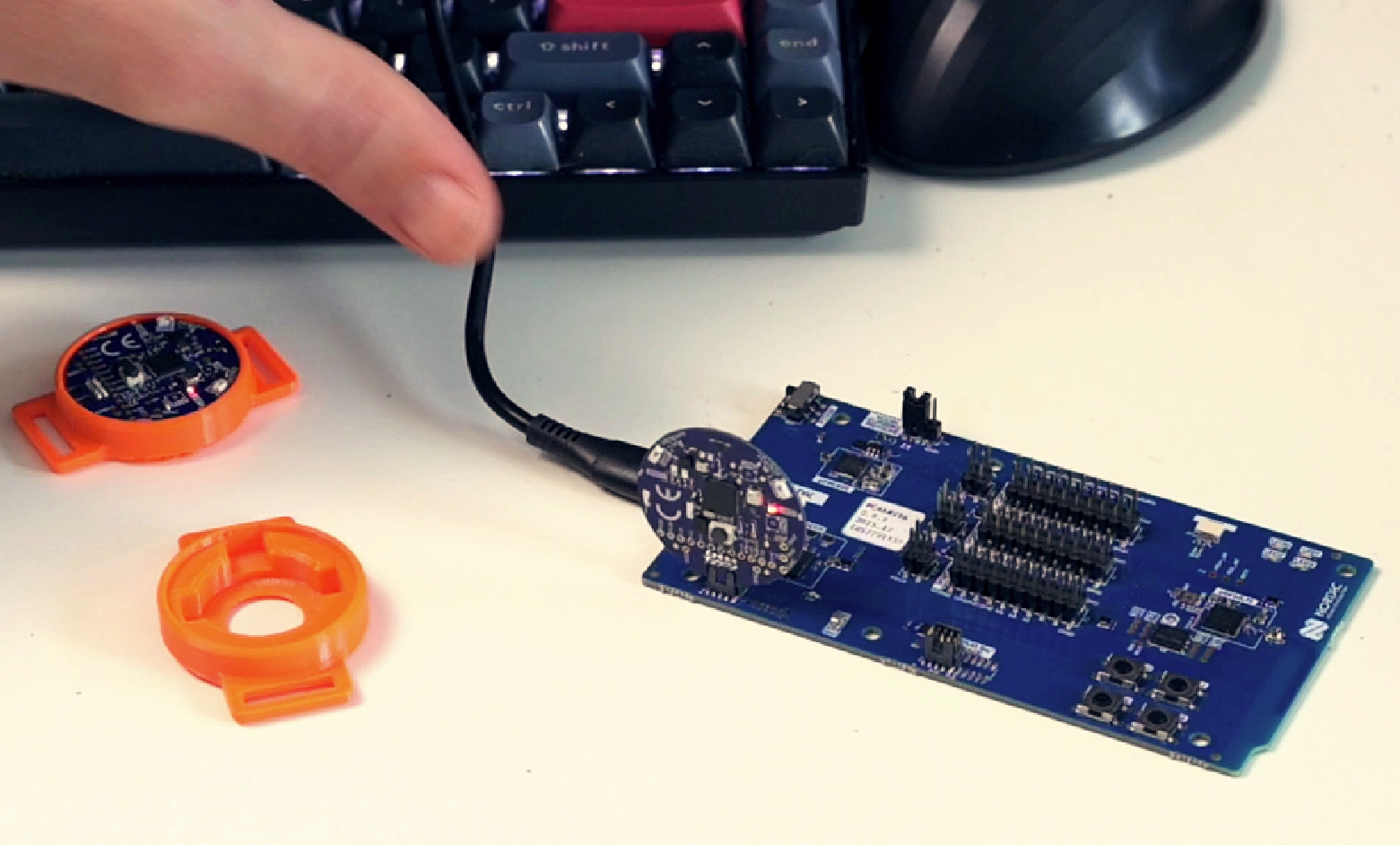
- Debug tags without a debugger by simply seating them on any recent Nordic DK, the DK’s SWD lines get taken over automatically for flashing and debugging.
The bigger picture
Both models fit in roughly 10KB of RAM and run inference in single-digit-to-low-double-digit milliseconds, on hardware as small as a coin-cell-powered BLE tag. No data ever leaves the device. What used to require a data science team and server-side infrastructure is now genuinely a weekend project for an embedded engineer with a sensor and a classification problem — the actual model training turned out to be the easy part; the data pipeline is where the real engineering effort belongs.
Downloads
Source code is on github, in my edge-ai demos repo. I used gen AI for images in the boxing trainer game, not sure how I feel about that but had to get it running quick for the demo, so that’s not in there but everything else pretty much is.
You can also get the 3D printed nRF54L15 Tag holder and bracket, if you want to print those up.